Theming
With inbuilt themes, you can customize the look of the card without doing any manual customization.
Pass &theme=THEME_NAME:
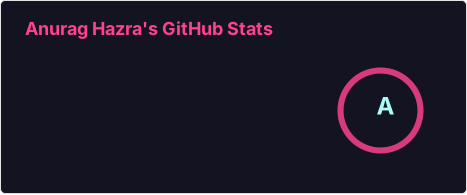All inbuilt themes
Section titled “All inbuilt themes”GitHub Stats Extended comes with several built-in themes (e.g. radical, merko, gruvbox, tokyonight, onedark, cobalt, synthwave, highcontrast, dracula).
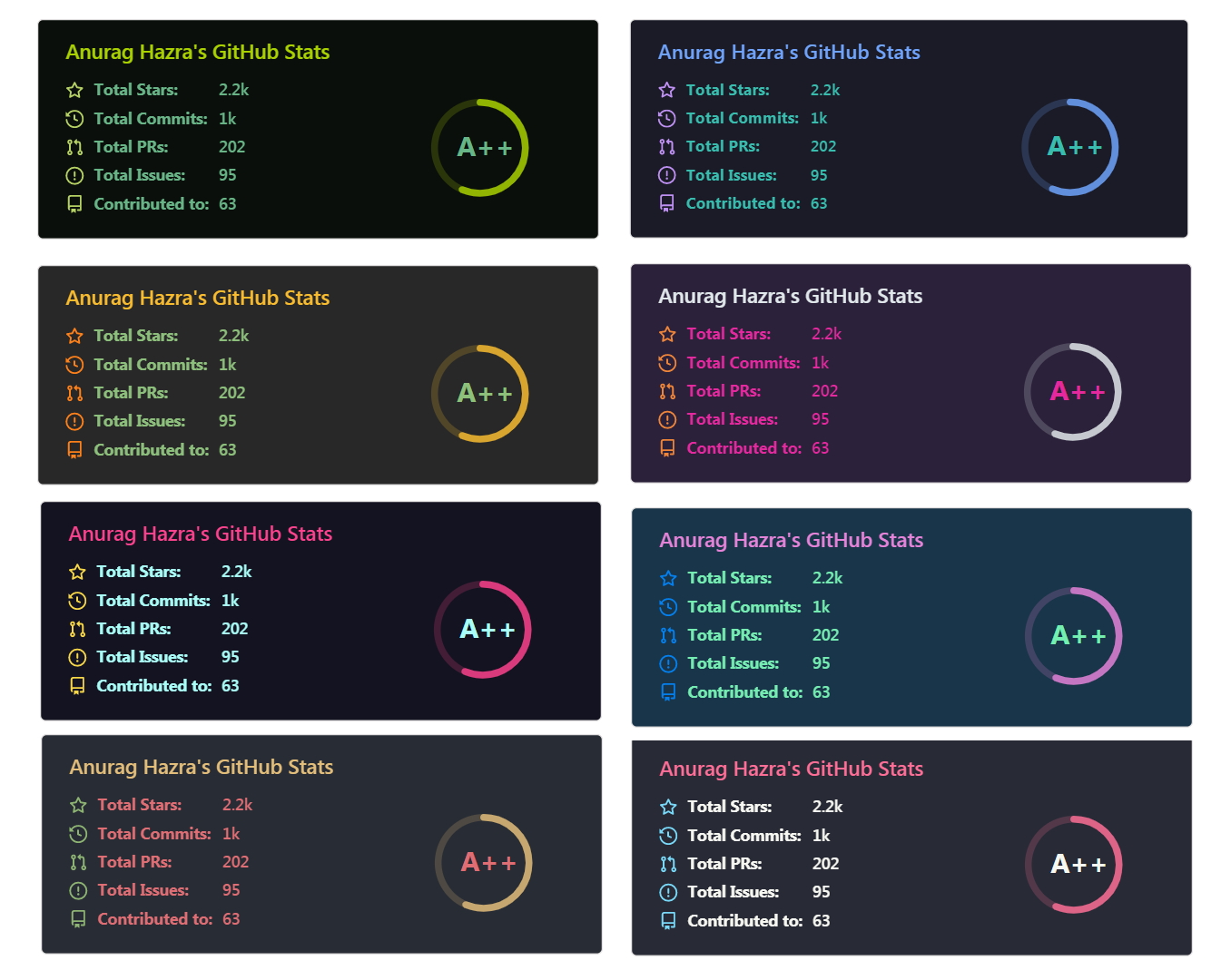
Preview all available themes or read the theme config file. We have paused the addition of new themes to reduce maintenance effort; pull requests adding one will be closed.
Light and Dark Mode
Section titled “Light and Dark Mode”There are several ways to switch a card between modes on the client side.
Use GitHub’s media feature (recommended)
Section titled “Use GitHub’s media feature (recommended)”GitHub’s media feature picks the image from a <picture> element using the prefers-color-scheme media query.
<picture> <source srcset="https://github-stats-extended.vercel.app/api?username=anuraghazra&show_icons=true&theme=dark_github" media="(prefers-color-scheme: dark)" /> <!-- light mode --> <img src="https://github-stats-extended.vercel.app/api?username=anuraghazra&show_icons=true&theme=light_github" /></picture>Set light and dark mode in one card
Section titled “Set light and dark mode in one card”theme_light / theme_dark and the *_light / *_dark color parameters put both modes in a single card URL, which then follows the viewer’s browser or OS setting. See Light & Dark Mode Parameters for the details.
This approach is not GitHub-specific, so it also works outside GitHub — including GitHub sponsorship pages, where the other approaches don’t work.
👀 Show example
Light & Dark Mode Parameters
Section titled “Light & Dark Mode Parameters”These parameters style each mode separately.
Priority (lowest → highest):
- default theme
themetheme_light/theme_dark- general color parameters
*_light/*_darkcolor parameters
For example:
Parameter types can be mixed — for example a light and a dark theme, plus one fixed title color:
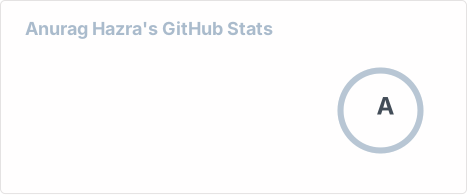Use GitHub’s theme context tag
Section titled “Use GitHub’s theme context tag”Appending #gh-dark-mode-only or #gh-light-mode-only to an image URL shows it only to viewers on that GitHub mode:
[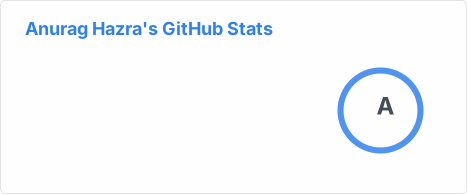](https://github.com/stats-organization/github-stats-extended#gh-dark-mode-only)[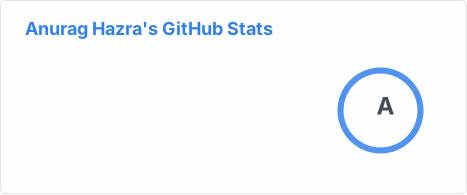](https://github.com/stats-organization/github-stats-extended#gh-light-mode-only)Use the transparent theme
Section titled “Use the transparent theme”The transparent theme has no background, so it sits well on GitHub’s light and dark modes:
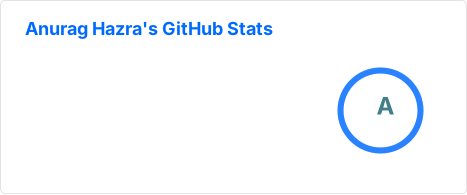👀 Show example
Add transparent alpha channel to a themes bg_color
Section titled “Add transparent alpha channel to a themes bg_color”Any of the available themes turns transparent when bg_color carries an alpha channel (i.e. bg_color=00000000):